Cat6 or Cat6A for a new building?
What the difference between Cat6 and Cat6A means for access points, cameras and suites, and how to decide for new construction.
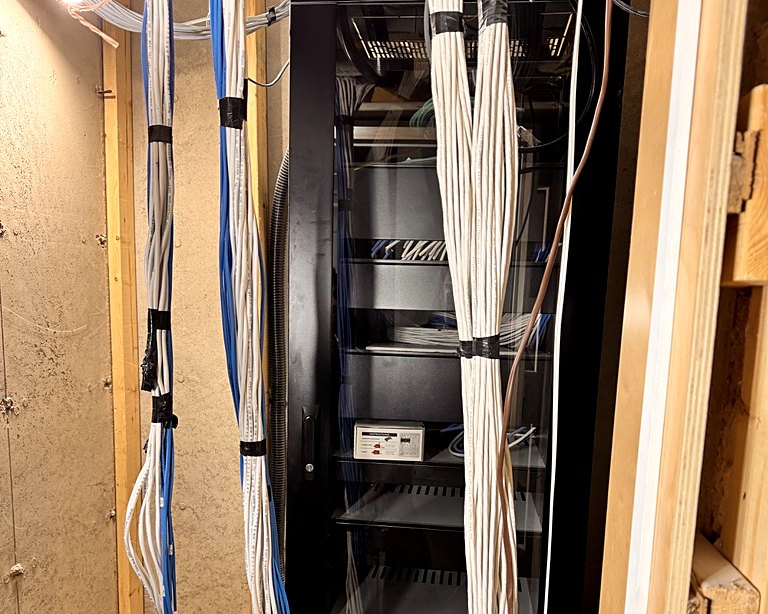
Structured cabling goes in once and stays for decades, long after the switches and access points it connects have been replaced twice. Choosing the cable grade is one of the few decisions in a building that is genuinely hard to undo.
The short version
- Cat6 supports 1 Gb/s over the full 100 m channel, and 10 Gb/s over shorter runs (roughly up to 55 m)
- Cat6A supports 10 Gb/s over the full 100 m
- Cat6A is thicker, stiffer and costs more per metre, and needs more room in conduit and cable tray
Where Cat6 is enough
- Cameras and access control readers
- Suite data drops for typical residential use
- Phones, printers and point-of-sale terminals
Where Cat6A earns its cost
- Wi-Fi access points, especially newer models whose uplinks exceed 1 Gb/s
- Links between telecom rooms when fibre is not used
- Offices that expect heavy data use over the life of the building
- Long runs where Cat6's 10 Gb/s distance limit would be exceeded
Plan the pathways, not just the cable
Cat6A's larger diameter fills conduit and tray faster. Size pathways for it even if some runs use Cat6, so the building can be upgraded later without new conduit.
Test and document everything
Whichever grade you choose, every link should be certified with a cable tester and the results kept with the as-built drawings. Certification proves the installation performs to its category, not just that it connects, and gives the owner a baseline for future troubleshooting.
A sensible default
For new multi-unit and commercial buildings, many designers run Cat6A to access points and between rooms, and Cat6 to cameras, readers and most outlets. Mixing grades this way puts the extra cost where it buys real headroom.